
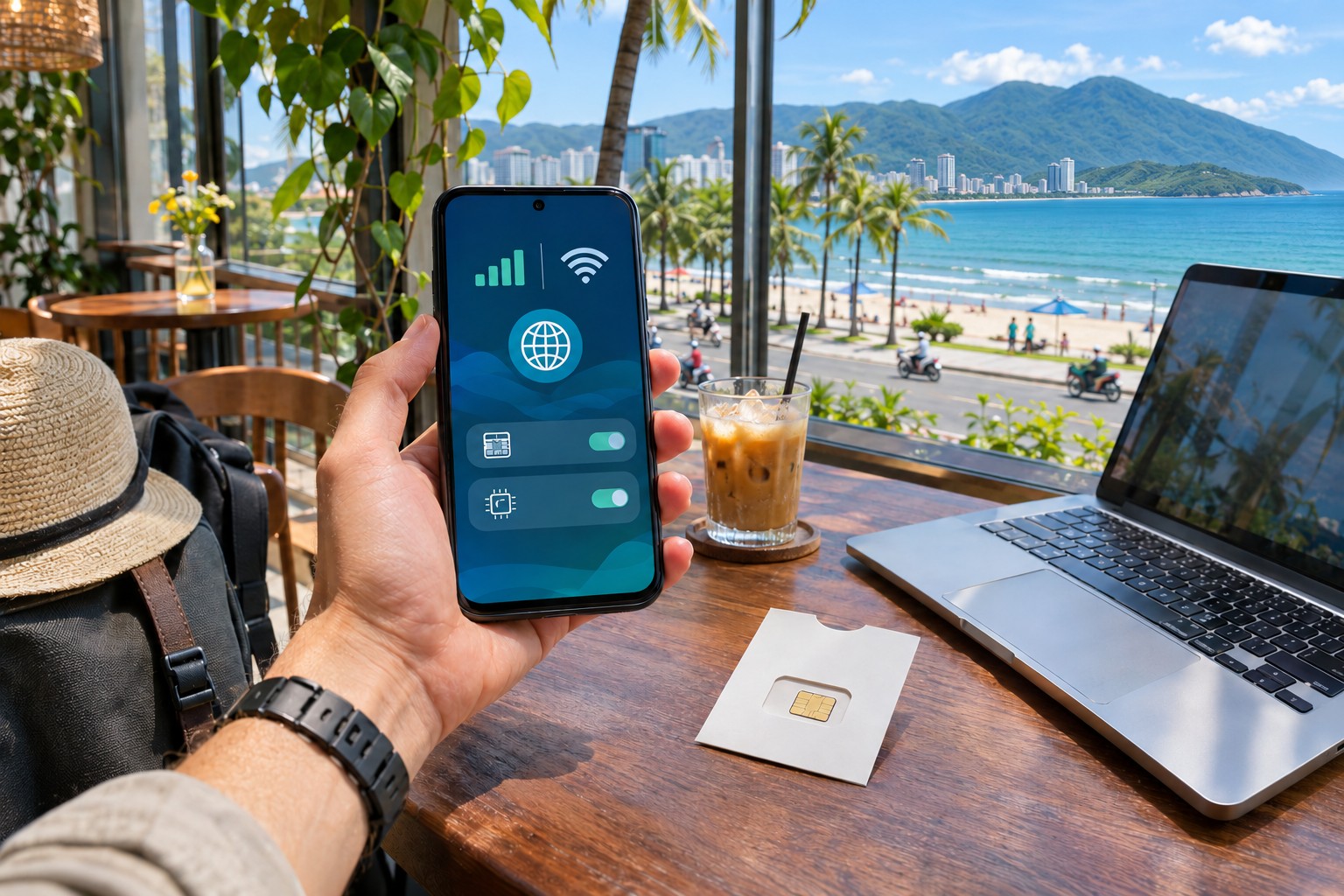
SIM Cards, eSIMs and Internet in Da Nang: A Practical Arrival Guide
Reliable mobile data makes a Da Nang trip easier long before you start sightseeing. It helps you find a driver, confirm a hotel entrance, translate a menu and contact someone when plans change. The best connection is not necessarily the package with the largest advertised allowance. It is the one your phone supports, that activates when you need it and that includes the functions you actually use.
This guide compares physical SIMs, eSIMs and other ways to stay connected without treating prices or promotions as permanent. Check the provider's current product page and your phone's exact compatibility before purchasing. A package name alone does not establish coverage, validity, local calling or hotspot access.
Decide whether you need data only or a local number
Many travelers mainly need maps, messaging and ride-hailing data. Others also want a local number for calls, reservations or services that use SMS. These are different requirements. A data-only travel eSIM can work well for internet access while not providing the same calling or text features as a local mobile subscription.
Write down the services that matter before comparing packages. If you expect to receive bank messages on your home number, keep that requirement separate from local data. Ask your home provider about roaming and charges rather than assuming a second line replaces every function of the first. A little preparation avoids discovering after arrival that an important code is going to a line you have disabled.
Check the exact phone, not just the brand
eSIM support can differ by model, regional version and carrier restrictions. Confirm compatibility through the device maker and the provider before paying. Also check whether your phone is unlocked for the service you intend to use. A familiar brand name is not enough to prove that a particular handset accepts a local SIM or travel eSIM.
For a physical SIM, establish the correct card size and whether changing it affects your existing setup. Keep the original card safely if you remove it. For an eSIM, read the installation and activation instructions in full before scanning anything. Some products treat installation and the start of validity differently, and the rules of one provider should not be assumed to apply to another.
A physical SIM can be a straightforward local option
A local physical SIM can be convenient if your phone supports it and you want a conventional mobile account. Purchase through an official operator outlet or an authorized seller able to explain the package and registration. Keep the receipt and the product information so you can identify the plan if you need assistance later.
Ask about data allowance, validity, local calls, texts and what happens when the allowance is used. A headline quantity may be distributed daily rather than available as one pool. Confirm whether top-ups extend the package, add a separate allowance or require another action. These details affect practical use more than the largest number printed in the advertisement.
An eSIM can reduce arrival friction
An eSIM avoids physically swapping a card, provided your device and plan support it. It can be useful when you want data ready soon after arrival or want to keep a home SIM in place. The convenience depends on following the correct installation, activation and line-selection steps for the product you buy.
Save the instructions and support contact somewhere you can access offline. Do not assume the installation code can be reused or transferred freely between phones. Avoid deleting an installed profile while troubleshooting unless the provider instructs you to do so. A reversible setting check is usually a better first step than removing the very profile you may need support to restore.
Local registration and travel products are different
Vietnamese operators have registration procedures for local service. Viettel's published information for visitors identifies a valid passport as relevant documentation for eSIM registration. Confirm the current procedure with the operator or authorized outlet you intend to use rather than relying on a seller who offers an unexplained preactivated account.
A travel eSIM sold by another provider may use a different arrangement, including a roaming network partner. Read its terms separately. Do not assume a travel product and a local subscription have identical numbers, support routes or network behavior simply because both provide data in Vietnam. Choose the product that fits your needs and whose setup you can understand.
Airport convenience versus a city purchase
Buying on arrival can simplify the first transfer if an appropriate counter is open and the product meets your requirements. Ask for the full package conditions before paying and test the connection before leaving. A busy arrival environment is a reason to be concise, not to skip basic questions about validity and included functions.
A city operator store can be an alternative if you prefer more time to compare or need help with a specific issue. Plan how you will reach it without mobile data: save the hotel address, use a confirmed transfer or arrange an initial connection. The best choice depends on arrival time and how much assistance you need, not a general claim that one sales location is always cheaper.
Read data allowances in their actual form
Compare total validity, daily limits, speed conditions and any fair-use policy. “Unlimited” may not mean unrestricted high-speed use for every activity, and a large total may not suit heavy use on one particular day. If you will upload videos or join work calls, explain that usage when asking about the plan.
Check whether hotspot tethering is allowed if you intend to connect a laptop. A plan that works well on a phone may not permit the sharing pattern you expect. Confirm whether additional charges or restrictions apply. Do not use a friend’s experience with a similarly named package as proof that your current offer has identical terms.
Keep home-line charges under control
Before travel, review your home provider's roaming settings and charging rules. If you keep the line active for calls or messages, understand which uses may create charges. On a dual-line phone, verify which line is selected for mobile data and whether any automatic switching behavior is enabled under your device's current settings.
Use the instructions for your exact device rather than following a generic screenshot that may show another operating-system version. After changing settings, test data and an essential communication method. The aim is a setup you can explain to yourself: which line provides internet, which receives your home messages and what you will do if one stops working.
Test the connection before relying on it
Open a map, load a normal webpage and send a message using mobile data rather than Wi-Fi. If local calls or texts are included and important, test those too. Check the displayed plan or account information where available. A signal icon alone does not prove that every required service works.
If activation fails, consult the provider's instructions and support. Verify the selected data line, current plan status and any required settings before making repeated changes. Avoid copying random network settings from unrelated products. If you bought through a staffed outlet, ask for the test while you are still there so the seller can help with the actual device and package.
Hotel Wi-Fi is useful but should be checked
For ordinary browsing, accommodation Wi-Fi can reduce mobile usage. For work, test the connection from the exact room and at the hours you intend to use it. A good lobby connection does not establish the experience behind several walls or during a busy evening. Ask about support and a backup if connectivity is important to the stay.
A room's desk, chair and noise level matter alongside the network. Reliable internet is less useful if calls are impossible because the space is unsuitable. If you plan a month in Da Nang, include connectivity in a test stay before a long commitment where possible. A specific practical check is more informative than a broad “fast Wi-Fi” description.
Public networks need sensible habits
Use networks you can identify and avoid entering sensitive information into unexpected pages or prompts. Keep your device updated and use the protections normally appropriate to your accounts. If a connection behaves strangely, switch to a trusted alternative rather than assuming every access point with a familiar-looking name belongs to the venue.
For a cafe work session, respect the business's policies and busy periods. Internet access does not make the table a private office or guarantee a quiet call environment. Choose a workspace suited to the task. A backup mobile connection can reduce disruption, but it should support a practical work plan rather than replace one.
Prepare for a short loss of connection
Save your accommodation address, important booking details and the next meeting point offline. Keep a screenshot of the relevant map or route where useful, while recognizing that a screenshot cannot show live changes. Agree on a meeting place if your group separates. These simple steps make a temporary outage less disruptive.
Carry a charging plan suited to the day and do not let constant navigation drain the phone before the return journey. If using a power bank, check the travel rules relevant to your transport. The aim is not to carry a complicated technology kit but to keep essential communication available when you need it.
Choose the smallest setup that reliably meets your needs
Confirm compatibility, decide whether you need a local number, compare the current terms and test the service. Keep the provider's support details and avoid making irreversible changes without understanding the consequences. A modest suitable package is better than an impressive offer you cannot activate or use as intended.
Read the airport transfer guide, the getting-around article and the month-long stay guide for the situations where connectivity matters most. Once the connection works, let it support the trip rather than dominate it. The best mobile setup is the one that makes ordinary tasks easy enough that you stop thinking about it.


